Manage B/Ls
This function allows users to manage Bill of Lading (B/L) in M-SHIP.
B/L Number
The B/L Number follows the Job Number format, and extends directly from its associated Job.
List Bill of Lading
To list the B/L, navigate to [System Codes] → Bill of Lading → Search Bill of Lading from the left navigational bar.
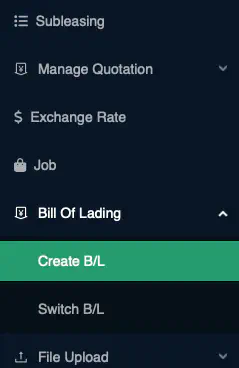
Business Logic: By default, the system will retrieve all
activeB/L.
Create Bill of Lading
Click on the + icon at the top right of the Content Page to create a new B/L
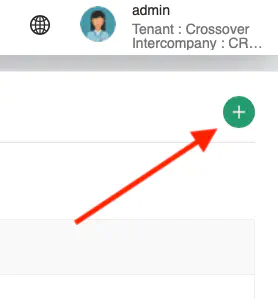
A pop-up containing all the data fields for B/L input will be displayed.
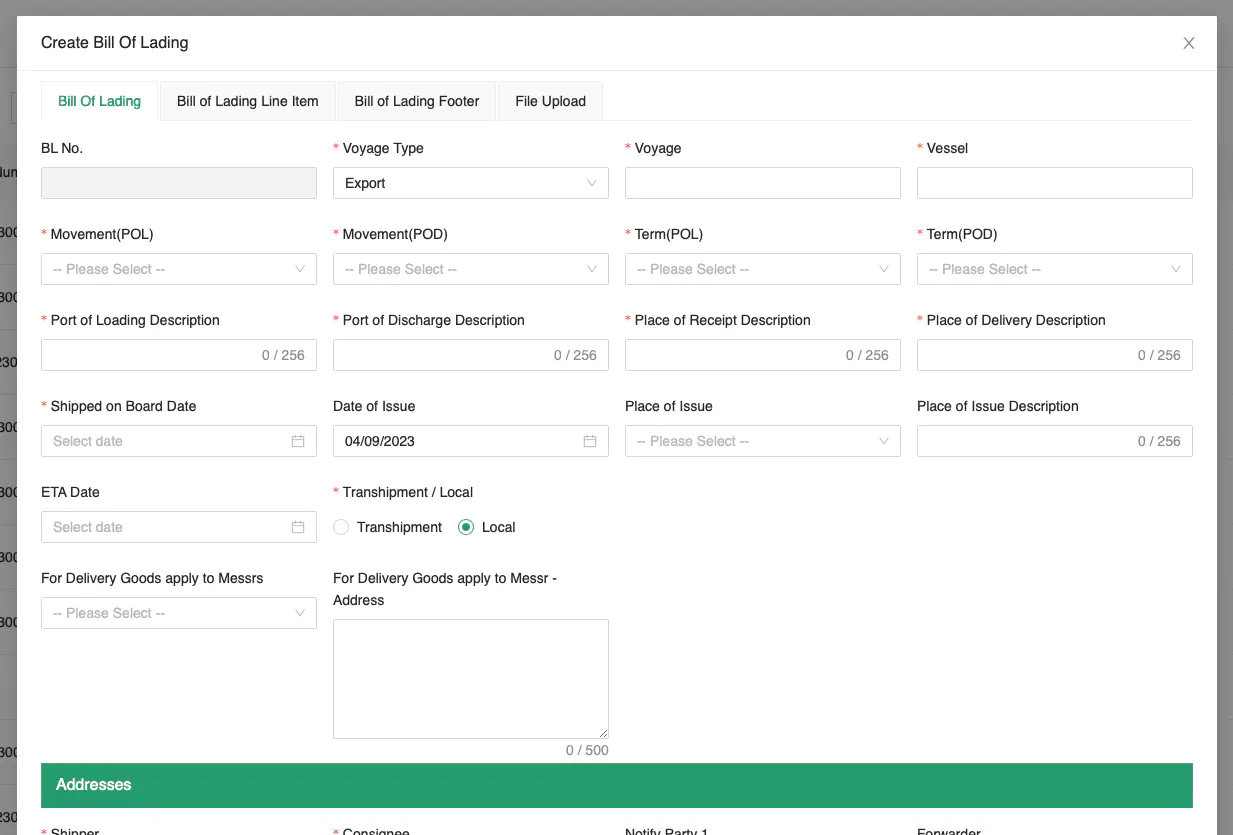
Key in the information carefully. Ensure that all mandatory fields are entered.
Click [Preview] to preview the B/L.
Business Logic: At least one B/L Line item is required.
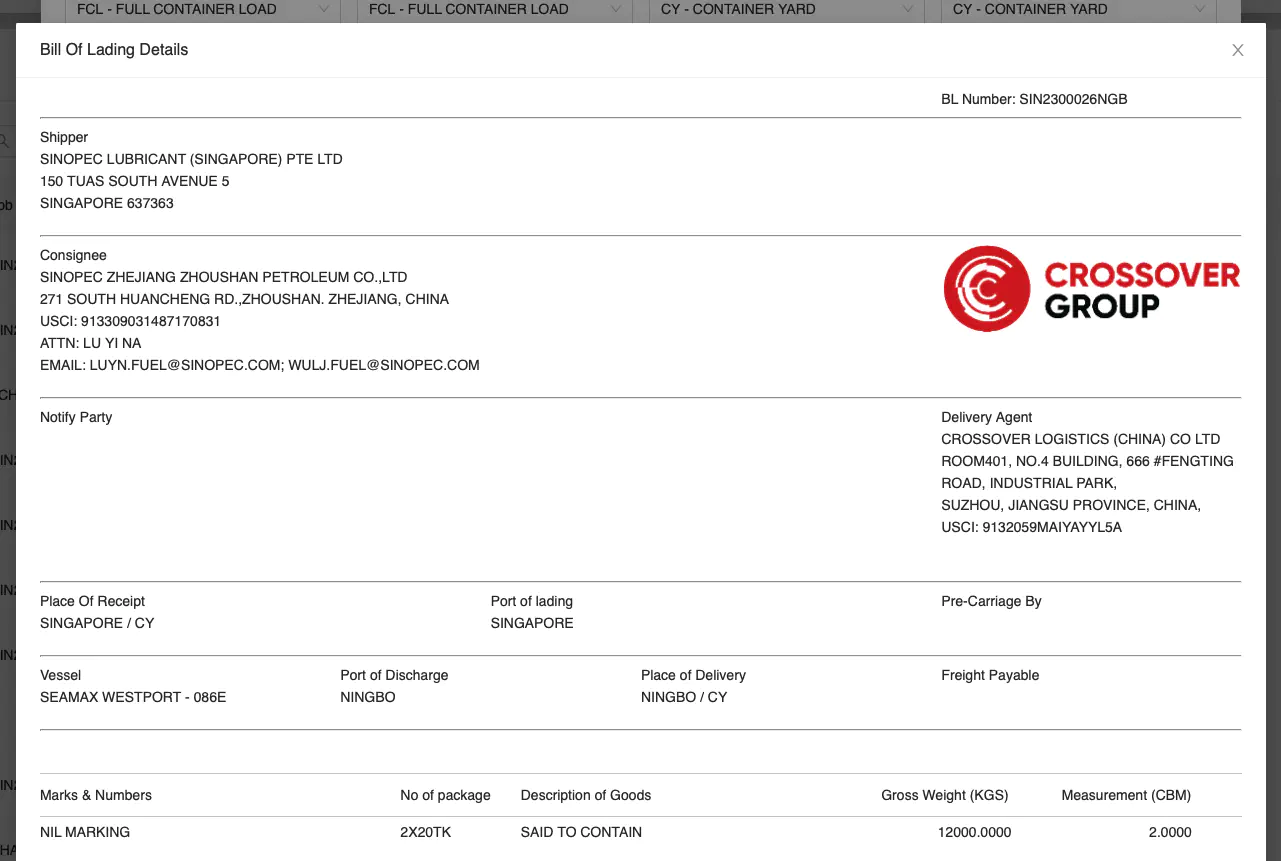
Click [Create] to create the B/L.
Edit Bill of Lading
Click [Actions] → Edit to edit the selected record.
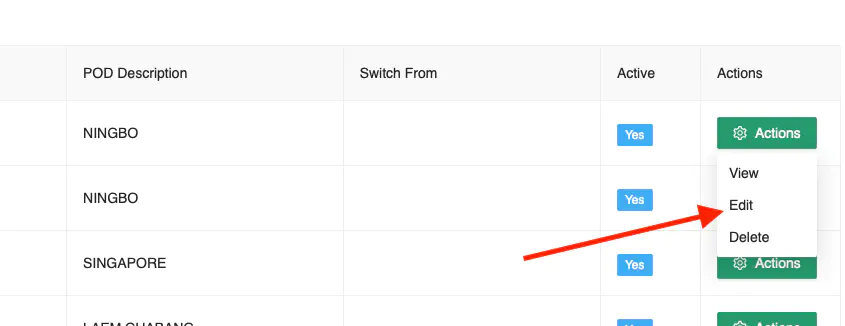
Once you have amended the entry, click [Update] to save the record.
The same Business Logic from Create Bill of Lading applies.
Delete Bill of Lading
Click [Actions] → Delete to delete the selected record.
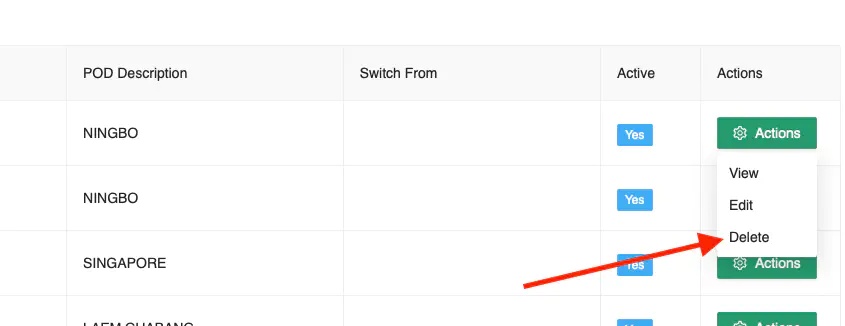
A confirmation prompt will appear. Click [Ok] to proceed with the deletion.