Container Status Code
This function allows users to manage the Container Status Code in M-SHIP.
Create and View permissions are required to access this module.
As the system depends on these codes for business rules and validation, editing and deleting Container Status Code is not allowed. Please contact your system administrator for more information.
List Container Status Code
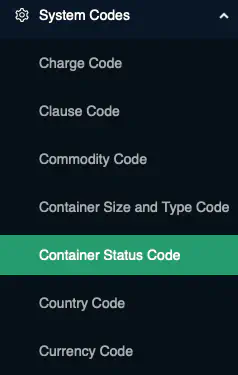
To list the Container Status Code, navigate to [System Codes] → Container Status Code from the left navigational bar.
Business Logic: By default, the system will retrieve all
activeContainer Status Code.
Add Container Status Code
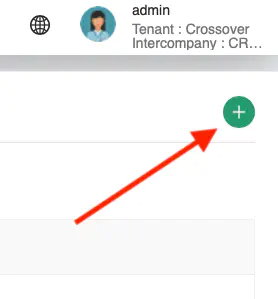
Click on the + icon at the top right of the Content Page to add a new Container Status Code
A pop-up containing all the data fields for Container Status Code input will be displayed.
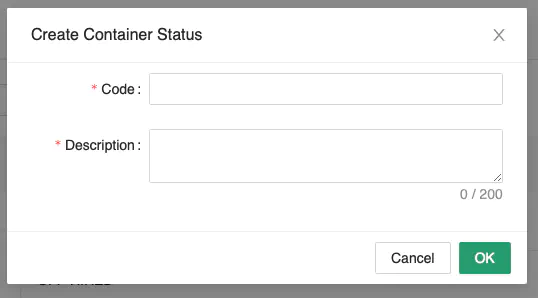
Key in the information carefully. Ensure that all mandatory fields are entered.
Click [Save] to create the new Container Status Code.
Business Logic:
Codemust not already exist in the system. This will be checked againstactiverecords only.