Shipment Term Code
This function allows users to manage the Shipment Term Code in M-SHIP.
List Shipment Term Code
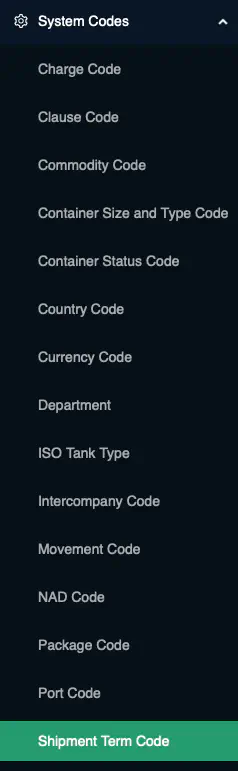
To list the Shipment Term Code, navigate to [System Codes] → Shipment Term Code from the left navigational bar.
Business Logic: By default, the system will retrieve all
activeShipment Term Code.
Add Shipment Term Code
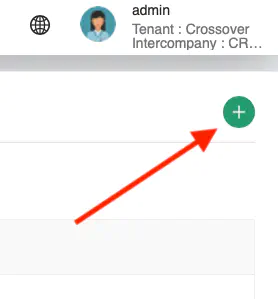
Click on the + icon at the top right of the Content Page to add a new Shipment Term Code
A pop-up containing all the data fields for Shipment Term Code input will be displayed.
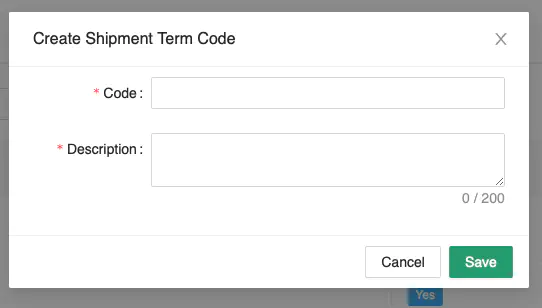
Key in the information carefully. Ensure that all mandatory fields are entered.
Click [Save] to create the new Shipment Term Code.
Business Logic:
Codemust not already exist in the system. This will be checked againstactiverecords only.
Edit Shipment Term Code
Click [Actions] → Edit to edit the selected record.
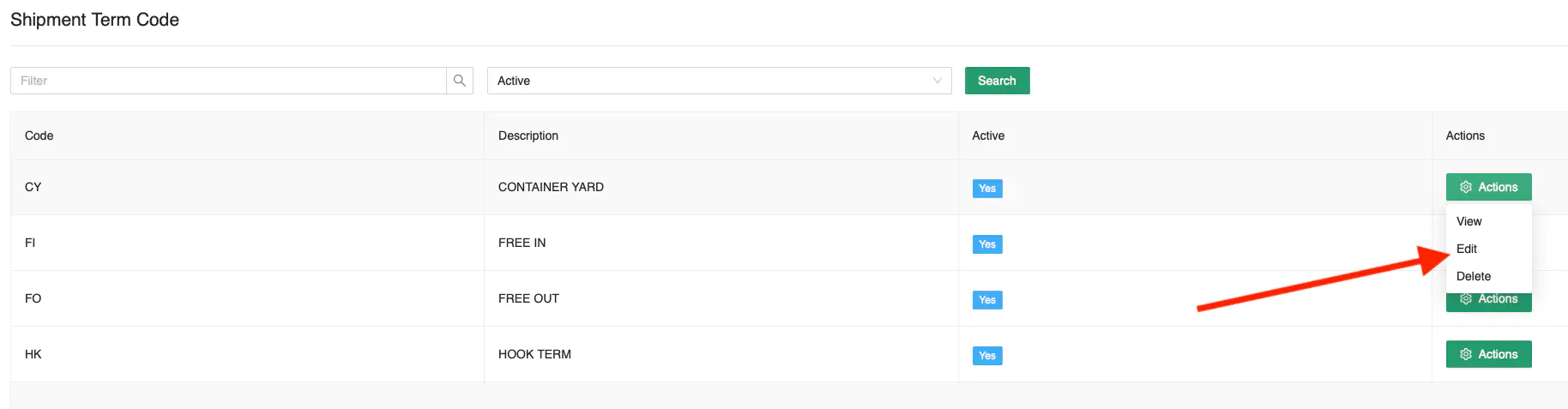
Once you have amended the entry, click [Update] to save the record.
Delete Shipment Term Code
Click [Actions] → Delete to delete the selected record.
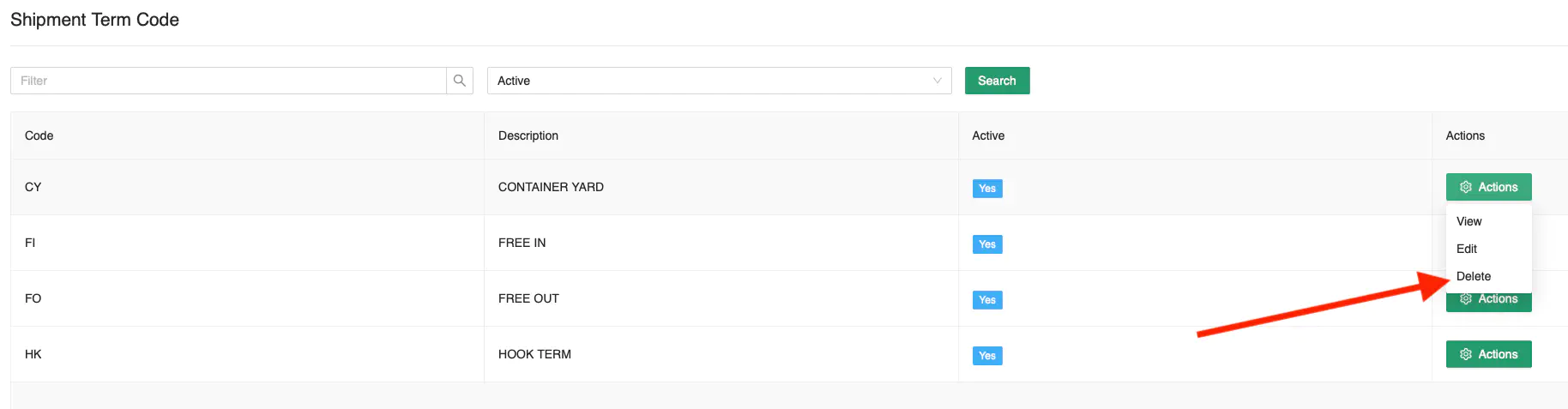
A confirmation prompt will appear. Click [Ok] to proceed with the deletion.
Business Logic: The Shipment Term Code must not be in use in any active transactions in the system.